 EMZETT.
Switch
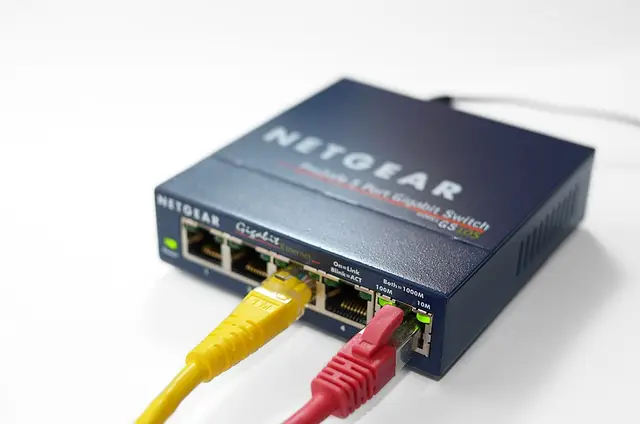 Image: Simon A. Eugster, CC BY-SA 3.0, Wikimedia Commons


In short: A network device that connects devices within a local network and forwards data packets specifically only to the port to which the target device is connected.
In more detail: A switch learns dynamically which MAC address is connected to which port and thus avoids unnecessary traffic on all other ports — unlike the simple hub. A distinction is made between layer 2 switches (work with MAC addresses) and layer 3 switches (can additionally route like a router).
In Depth
Internally, a switch keeps a MAC address table (also called a “CAM table”) linking every connected port with the MAC address(es) observed there. This table builds itself: with the very first frame from a new device, the switch remembers “sender MAC X came in via port Y” — if it doesn’t yet know a frame’s destination MAC, it floods it to all ports as a test (like a hub), but as soon as the reply comes, it learns immediately.
The decisive efficiency gain over a hub: a hub sends every incoming signal blindly to ALL ports, whereas a switch sends it specifically only to the port where the target device is demonstrably connected — this means that connected devices no longer all share the same bandwidth, and collisions (several devices sending at the same time) are practically eliminated. A layer 3 switch goes one step further: it combines the fast switching function with real IP routing between different VLANs, without a separate router being needed — in larger corporate networks, layer 3 switches therefore often handle routing between internal network segments.
See also: Layer 2 switch, Layer 3 switch, Hub